Smartteller features
Explore the Smartteller feature set for meal planning, grocery budgeting, shopping, pantry management, leftovers and AI-assisted recipe ideas.
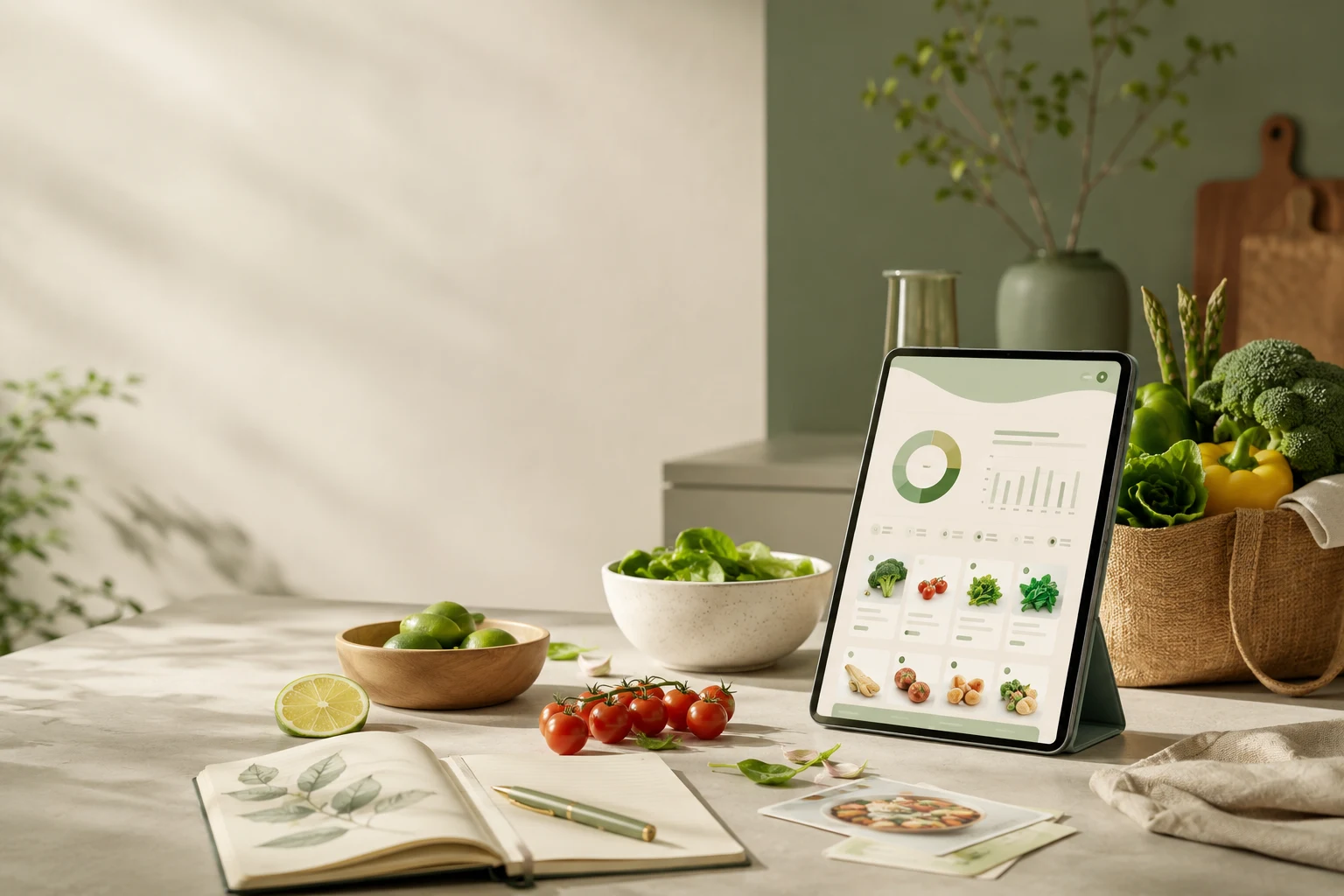
Features that work together instead of side by side
Every Smartteller feature solves one concrete part of everyday cooking. The real benefit appears where planning, budget, shopping, pantry and leftover use are connected, so information does not have to be entered or thought through again at every step.
The cycle behind the features
- Plan: what should be on the table in the next days?
- Budget: which financial frame is available for it?
- Shop: what is actually missing once existing stock is taken into account?
- Reuse: what is left over and can go back into the next plan?
The main tools at a glance
This list contains only areas that Smartteller actually offers or explains as a product. There are no fictional features and no savings promises.
- Meal planning
- Plan meals for several days and adjust the weekly plan to appointments and household.
- Budget planning
- Connect the available grocery frame with the weekly plan and the shopping.
- Shopping list
- Derive missing ingredients from planned meals and existing stock.
- Pantry
- Keep existing food visible and include it in new plans.
- Leftover helper
- Use ingredients you already own as a starting point for new recipe ideas.
- AI meal planning
- Receive suggestions based on your inputs and adjust them yourself afterwards.
- Household profiles
- Take different household sizes and everyday situations into account.
- Seasonal shopping
- Use seasonal orientation and shopping planning as part of the whole system.
Two features worth a closer look
Meal planning as the starting point
The plan connects days, dishes and household requirements. Budget, pantry and shopping follow from it. A weekly structure works better than a loose list of recipes, and changes stay possible when the week does not go as expected.
Closing the loop with leftovers
Leftover use is not an extra at the end. The leftover helper brings existing ingredients back into planning, which makes the stock visible, produces ideas from what is at home and lets you plan new purchases more deliberately.
Which feature first?
- Evenings are chaotic: start with meal planning for three or four days.
- Money is tight by the end of the month: start with budget planning and link it to your weekly plan.
- You often buy things twice: start with the shopping list derived from your plan and your pantry.
- Food gets thrown away: start with the pantry and the leftover helper.
How the features work together on a normal day
Imagine you plan Wednesday’s dinner as a tray bake with vegetables. The plan shows which ingredients you need; the pantry shows that you already have onions and rice, so only the vegetables and the main ingredient land on the shopping list. The budget view shows how this dinner fits into the week. If you cook a little extra, the leftovers flow back as an idea for Thursday’s lunch. Each step uses the information of the previous one — that is what “connected” means here.
What Smartteller deliberately does not promise
Smartteller does not promise fixed savings, does not report live prices of a specific supermarket and does not replace medical, legal or financial advice. Suggestions created with AI are a starting point and have to be checked: allergens, intolerances, quantities and use-by dates remain your responsibility.
Frequently asked questions
Does the AI decide what I eat?
No. AI suggestions are a starting point. Quantities, ingredients, allergens, prices and suitability must be checked by you before shopping and eating.
Do I need to use all features?
No. You can start with a short meal plan and add budget, pantry and shopping when they become useful.
Next: how the app works, where to get it or start directly in the browser.