Start Smartteller
Choose the access method that fits your device. The web app works without installation; mobile availability is shown transparently.
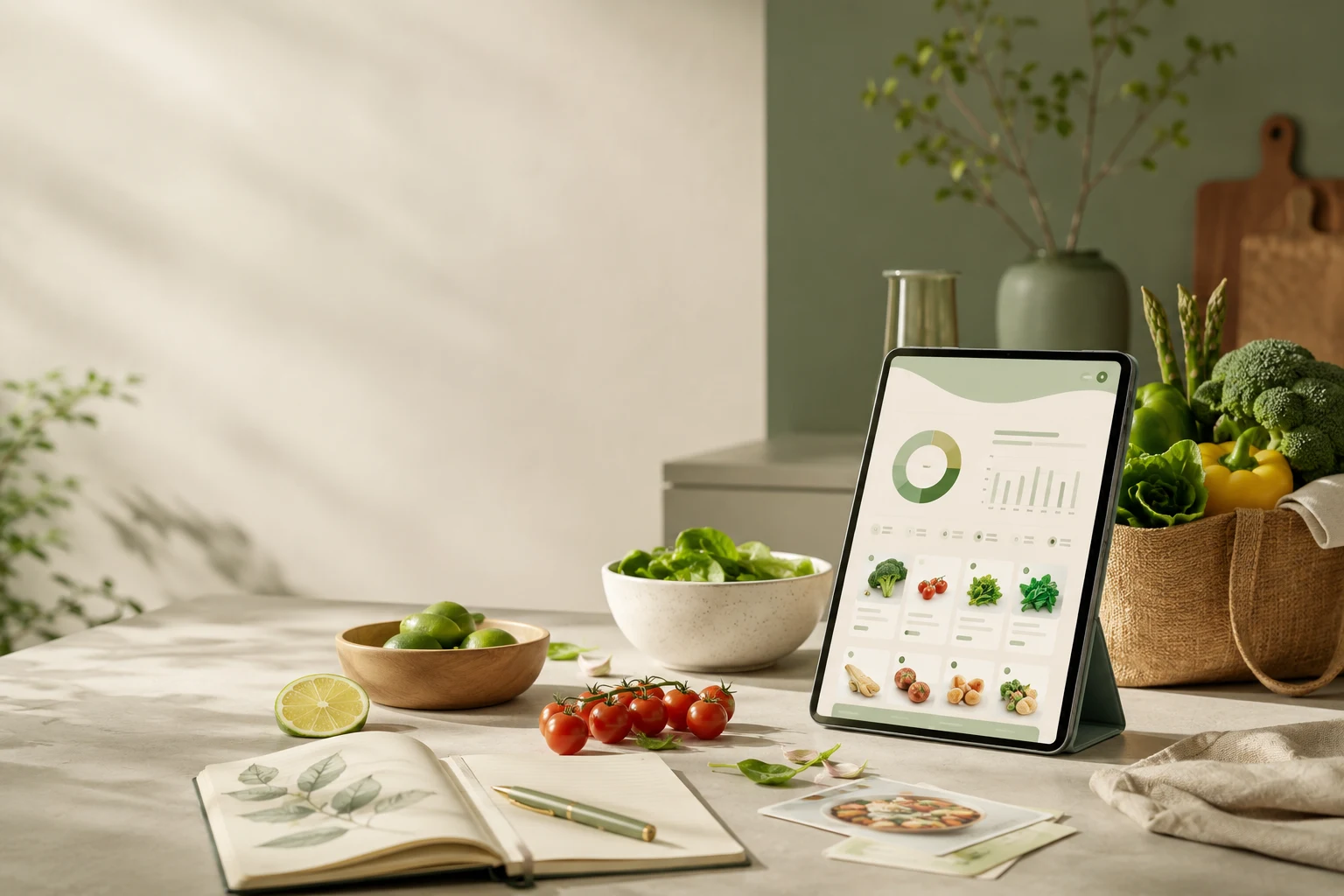
One way in for the web app, Android and iOS
This page leads you to the access that fits your device. You can start directly in the browser, install the public Android app from Google Play, or use a QR code to move from your desktop to your phone.
Choose the access that fits your day
Web app
Start in your browser on a smartphone, tablet or desktop without installing anything: webapp.smartteller.de.
Android
Smartteller is publicly available on Google Play: open the Smartteller app on Google Play.
iPhone and iPad
The release in the Apple App Store is planned by 1 November 2026. Until then you can use the web app directly in the browser on iPhone and iPad.
Scan and continue on your phone
The QR code on the German download page opens the access page on your smartphone. The page recognises Android or iPhone/iPad in your browser, without a personal device fingerprint, and shows the most useful entry point.
From the first click straight into planning
Every platform leads to the same product: create a meal plan, keep the budget in view, prepare the shopping and include what you already have. Store availability can differ by platform.
Which access is right for you?
- You want to try it right now: use the web app. No installation, works on phone, tablet and desktop.
- You mainly shop with an Android phone: install the Android app from Google Play so the plan and shopping list are always at hand.
- You use an iPhone or iPad: start with the web app in your browser until the App Store release (planned by 1 November 2026).
- You plan on a laptop and shop with your phone: use the QR code on the German download page to carry on from the desktop to your phone.
Your first ten minutes after opening
- Set up your household: how many people usually eat, and which allergies or preferences matter.
- Enter a weekly or monthly grocery budget — a rough figure is enough to start.
- Plan three or four days instead of a whole week.
- Check what you already have at home and let the shopping list contain only what is missing.
Good to know before you start
Availability and the scope of features can differ between platforms and change over time. Current information on plans, limits and advertising is collected in the Help Center. Smartteller supports your planning but does not replace advice from a doctor or dietitian, and AI-generated suggestions should always be checked before you shop and cook.
Frequently asked questions
Do I have to install anything?
No. The web app works in the browser. The Android app is optional.
Is there an iPhone app?
The release is planned by 1 November 2026. Until then, use the web app in Safari or another browser on your iPhone or iPad.
Where can I find plans and limits?
Plans, usage limits and advertising are explained on the help page “Plans, limits & advertising” in the Help Center.
More about the product: Smartteller app and features.